Do you read the privacy labels for apps in the Apple App Store?
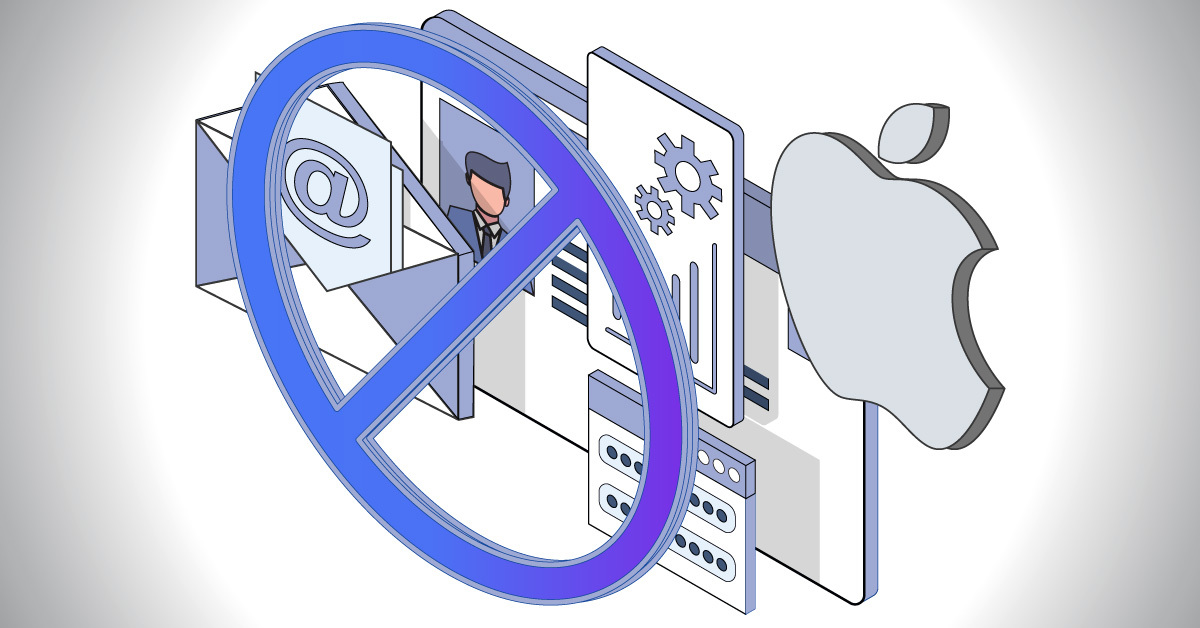
In 2021, Apple introduced privacy labels, requiring app developers to disclose exactly what data they collect and how they use it. It was considered the biggest shake-up to data privacy in years.
Apple added the privacy labels to every app product page to give you a deep understanding of an app’s privacy practices before you download it on any Apple platform.
The privacy labels list the types of data the app may collect and whether that data is linked to you or used to track you.
The types of data that apply to Apple’s privacy labels are:
- Contact information such as name, email address and phone number
- Health and medical data
- Financial information such as form of payment, payment card number, or bank account number, and credit score
- Location
- Sensitive information such as racial or ethnic data, sexual orientation, pregnancy or childbirth information, disability, religious or philosophical beliefs
- Contacts list in a phone
- User content including text and email content, and a user’s photos and videos
- Browsing and search history
- User IDs such as handles, account IDs, and device-level IDs
- Purchase history
- Usage data
- Diagnostic data
- Any other data type not mentioned.
The labels also cover:
- How an app developer and any third parties use the data the app collects (e.g. party advertising)
- Whether data the app collects is linked to you, and whether data is used to track you
- The app developer’s privacy policy and explanations of your privacy choices for the app and how to manage them.
If you haven’t checked out Apple’s privacy labels you can now, starting with MySudo.
What the MySudo privacy label says

- Under Purchases, we collect data only for advertising or marketing, app functionality, and analytics.
- For Identifiers, we collect data only for advertising or marketing, app functionality, and analytics.
- For Usage, we collect data only for advertising or marketing, and analytics.
- For Diagnostics, we only collect information for app functionality.
Our Apple privacy label proves we take protecting your personal data seriously.
We don’t ask for any of your personally identifiable information, like email address or phone number, when you open a MySudo account. Instead, your account is protected by an authentication and encryption key that never leaves your device.
We’ll only ask for personal information if you opt-in to use our virtual cards feature because we must do a one-time verification of your identity by law, and if you opt in to private contact matching where we use (but protect) your phone number.
What’s more, we never require registration login or a password to access the app.
Read more in The 2 Things MySudo Does Differently from Most Other Apps
When you download MySudo for iOS, you can be sure you’re getting an all-in-one privacy app that not only helps you to safeguard your personal information with other apps and services, but also respects and protects your personal information within its own functionality.