











MySudo®

Powered by Anonyome Labs™

MySudo Desktop Edition:

Bring MySudo to your desktop

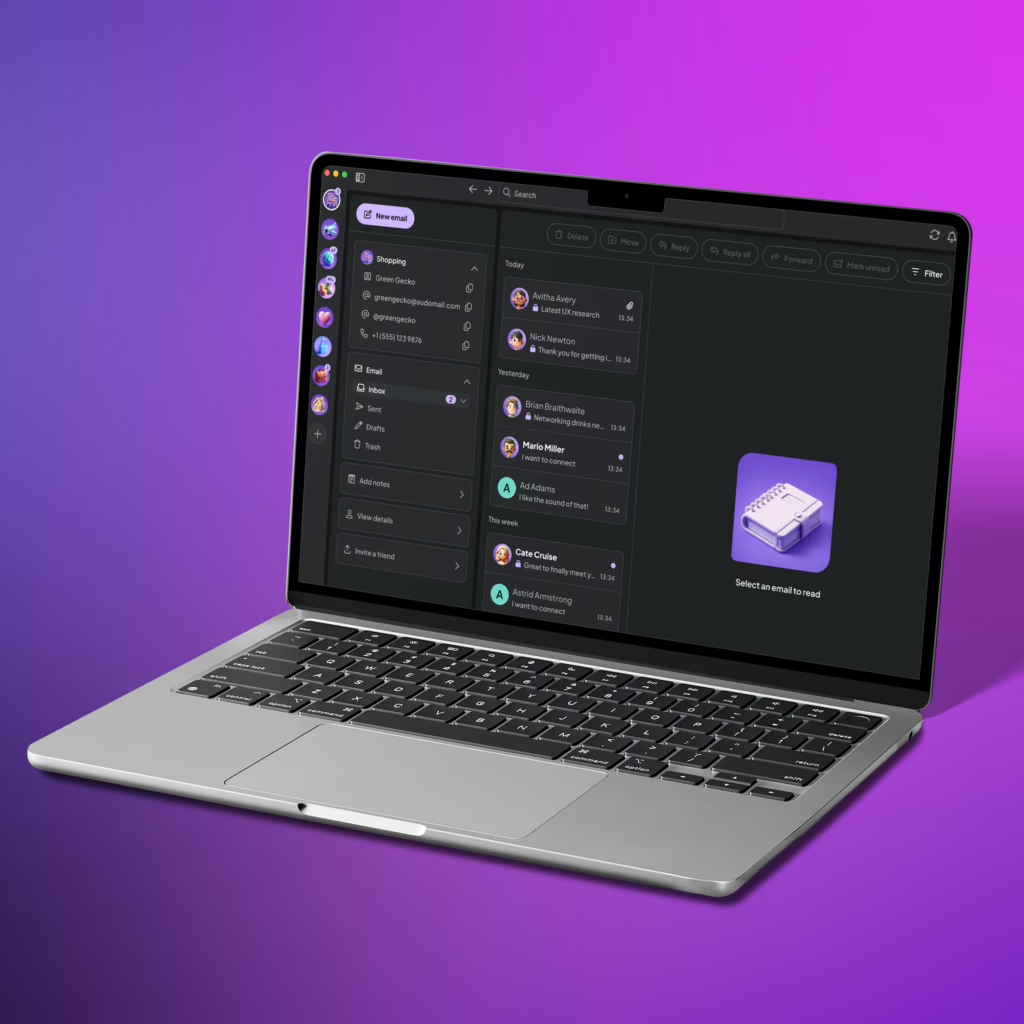
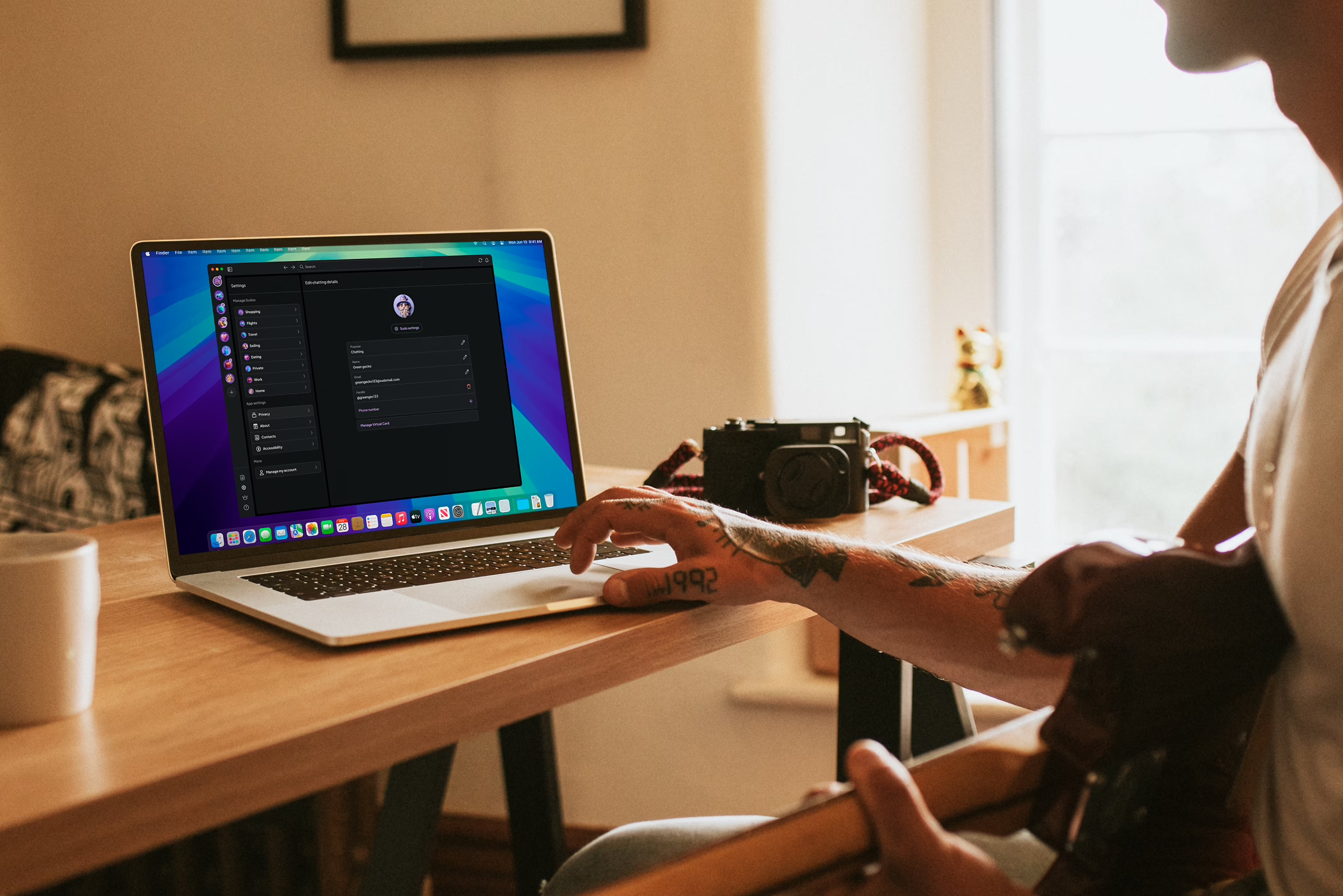
Access your MySudo® details and manage your email inboxes all from your desktop

Sudos are secure digital profiles for privacy anywhere.

MySudo Desktop Edition for Windows

MySudo Desktop Edition for macOS

MySudo mobile for Android

MySudo mobile for         iOS

MySudo is the original all-in-one privacy experience that lets you protect your identity and your information with second phone numbers, secure emails, private browsers, and virtual cards – all in secure digital profiles called Sudos.

MySudo is loved worldwide

1.3M+

App downloads

1.8M+

Sudos created

8.6M+

Calls protected

Being private has never been easier

Access your private Sudo information anywhere

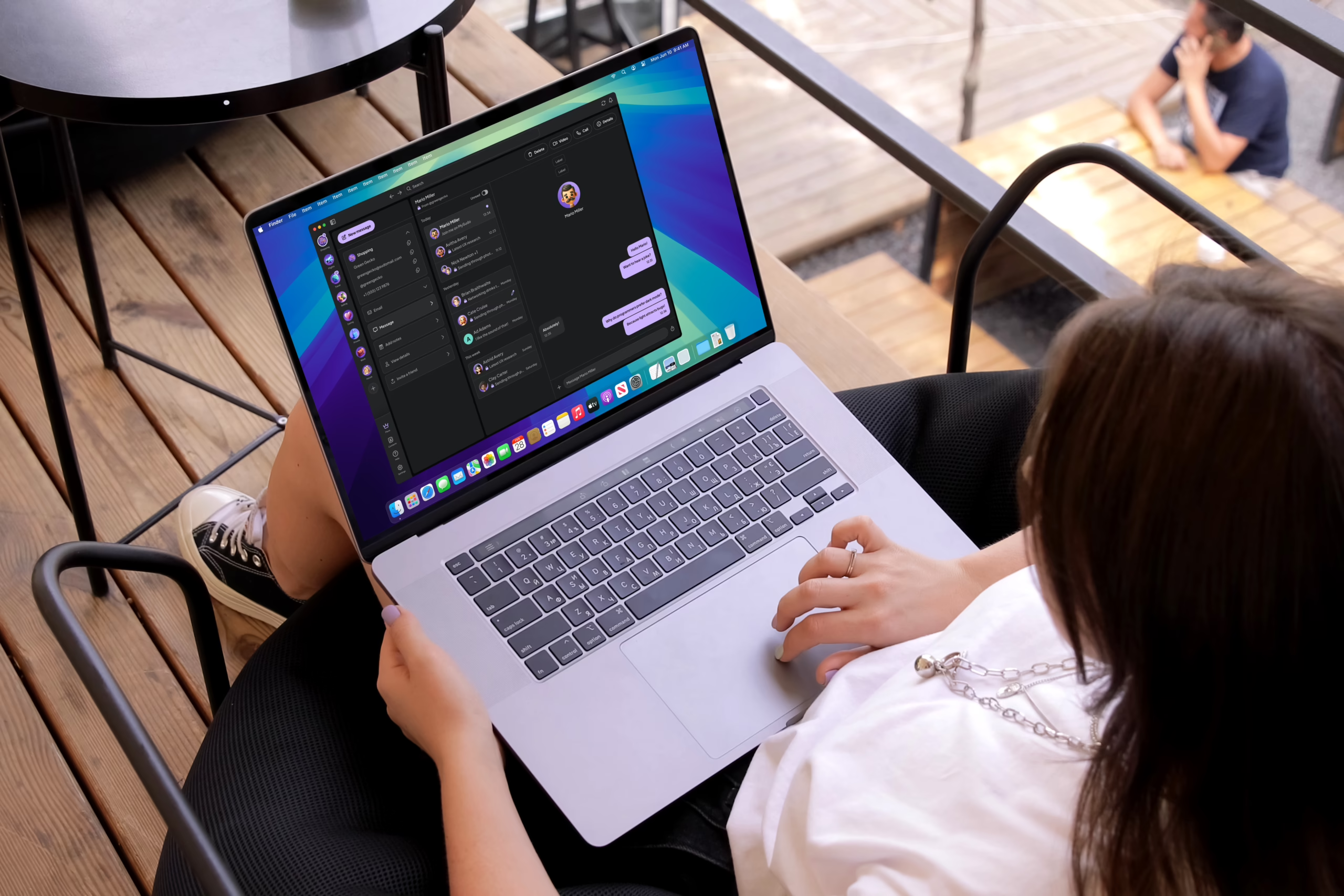
Same secure Sudos, bigger screen

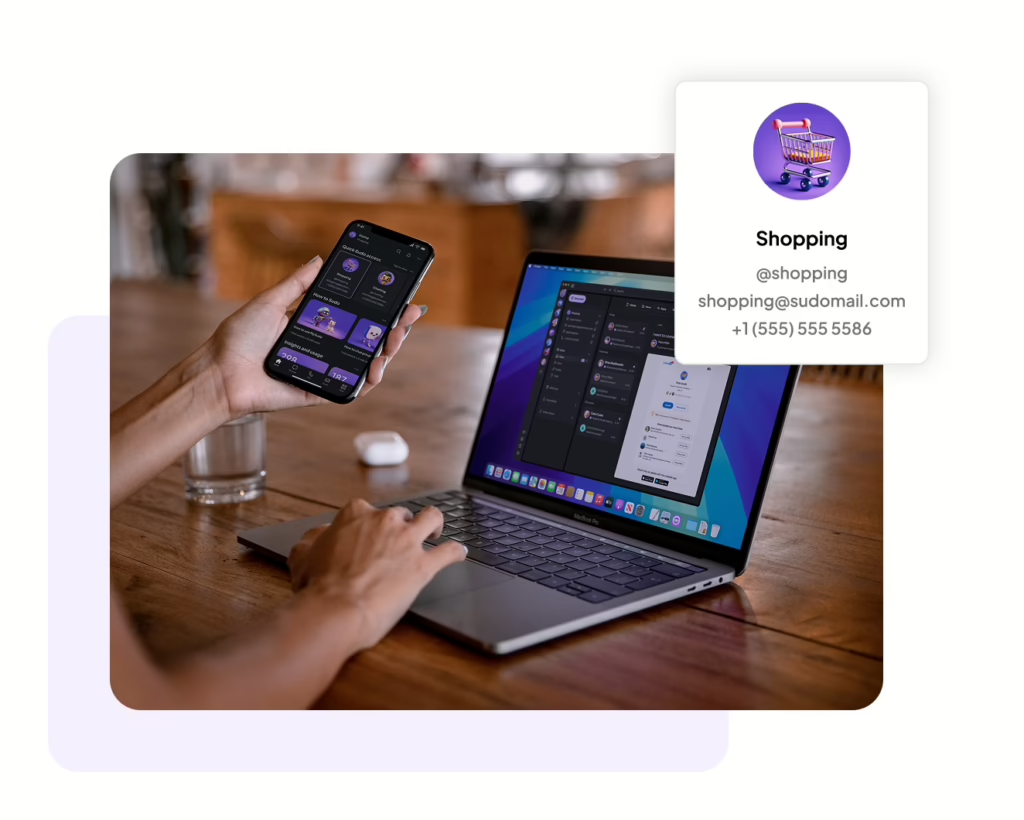
Use your Sudos across devices for seamless privacy and security. You can access your Sudo information and their email inboxes with MySudo Desktop Edition. 

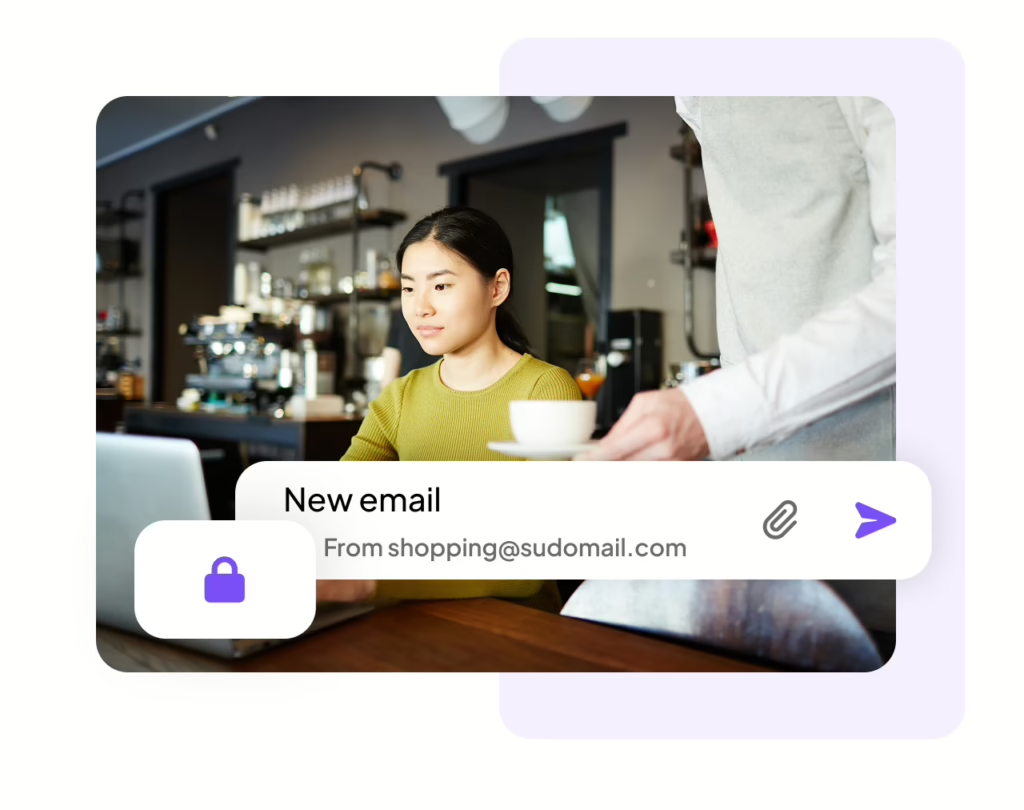
Secure email, now at your desk

Send it safely. Most email providers will scan your inbox and profit from your data. MySudo offers secure email inboxes that protect your privacy. Each Sudo identity comes with its own encrypted inbox, that keeps your email content and attachments private – even from us.

Coming soon!

Look out for new features MySudo Desktop

Don't have MySudo Desktop Edition?

  1. Open MySudo on your phone
  2. Open the main left menu and tap ‘Settings’
  3. Tap ‘Backup & Import/Export’
  4. Tap ‘Export to anonther device’
  5. Select ‘Continue’ and scan the QR code

Maximize your privacy with the MySudo Suite

Sudos protect who you are. The suite also protects how you connect and login

Digital identities that empower you to call, text, email, browse, and pay privately.

Fast, encrypted internet connection anytime anywhere.

Securely create, store, and autofill your account information.

Privacy built by a privacy company

PCI-DSS Certified

SOC 2 Compliant

Private from day 0

Your privacy starts at setup, not later.  Your encryption keys are generated the moment you open any product in the Suite, and from there you decide what you share with us. We only ask for personal details if something genuinely requires them, and never as the price of using our apps. 

Encryption by default

MySudo protects your communication with end-to-end encryption with other MySudo users and immediate encryption when interacting with non MySudo users. Your app data is encrypted, no one, not even us can read your communications.

Never for sale

The privacy and security of your data is our first priority, and is in every product decision we make. We cannot and do not sell any personal information or activity. Our business is providing your privacy tools, not selling your personal information.

Testimonials

Hear from our happy users

We're here to help

Head to our Support hub or reach out on X @MySudoApp or email at support@mysudo.com

How do I connect my MySudo account to MySudo Desktop Edition?
  • Create a Custom Email Folder
  • Rename or Delete a Custom Folder
  • Move Emails to a Custom Folder
  • Create, Edit, or Disable a Custom Email Signature
  • Copying a Custom Email Signature to Other Sudo Profiles
  • Load remote images
  • Attachment Size Limits
  • Adding Attachments
  • Print an email