Navigate through the web safely with no tracking or ads
With MySudo, you can create up to nine digital identities called Sudos. Each Sudo contains a full set of credentials and a secure private browser that you can use to stay protected online.
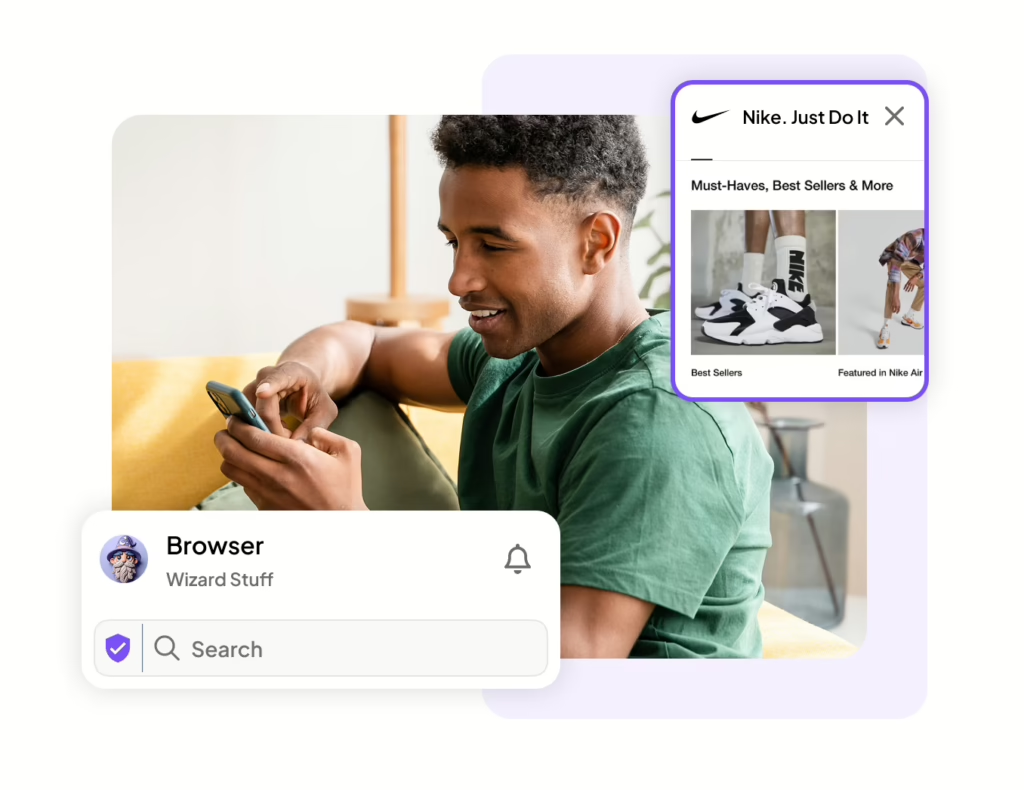
A Sudo secure browser is a private browser that is unique to each Sudo identity. The browsers have ad and tracker blocking by default and built-in site reputation service so you can browse the web privately.
Block ads and tracker cookies by default
Separate browsing history for each Sudo
Bookmark favorite sites
Built in site reputation service
Break your data trail with multiple browsers
How you can use a Sudo secure browser
Protect your web activity in any scenario
Traveling
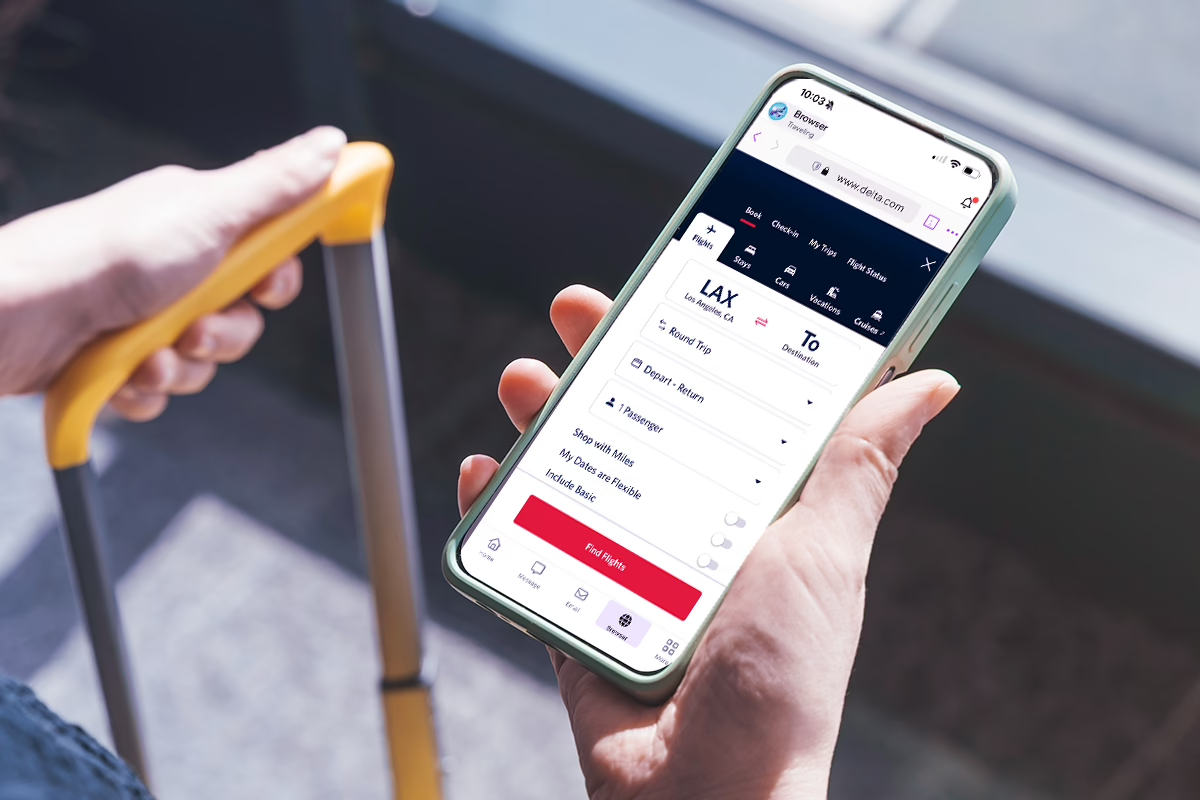
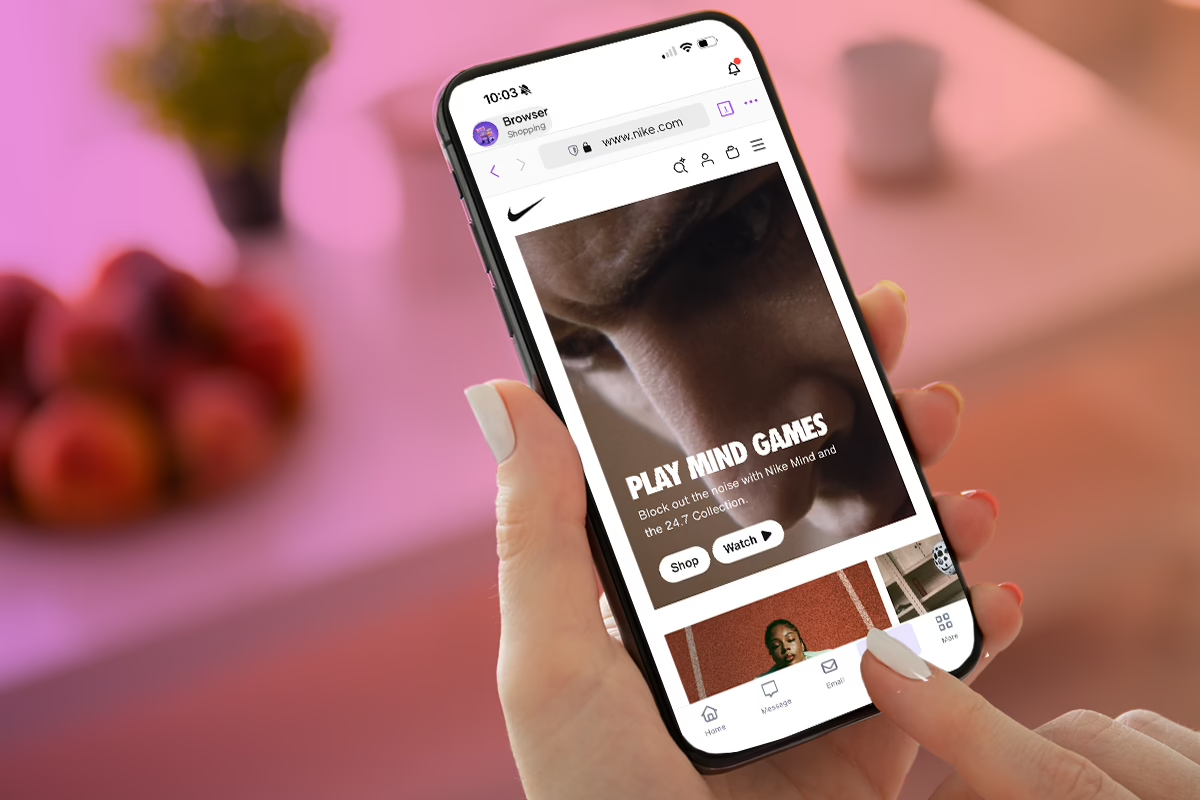
Browse and book travel sites without ads and trackers following you from one search to the next. Each Sudo keeps its own browsing history, so trip planning stays separate from everything else.
Online shopping
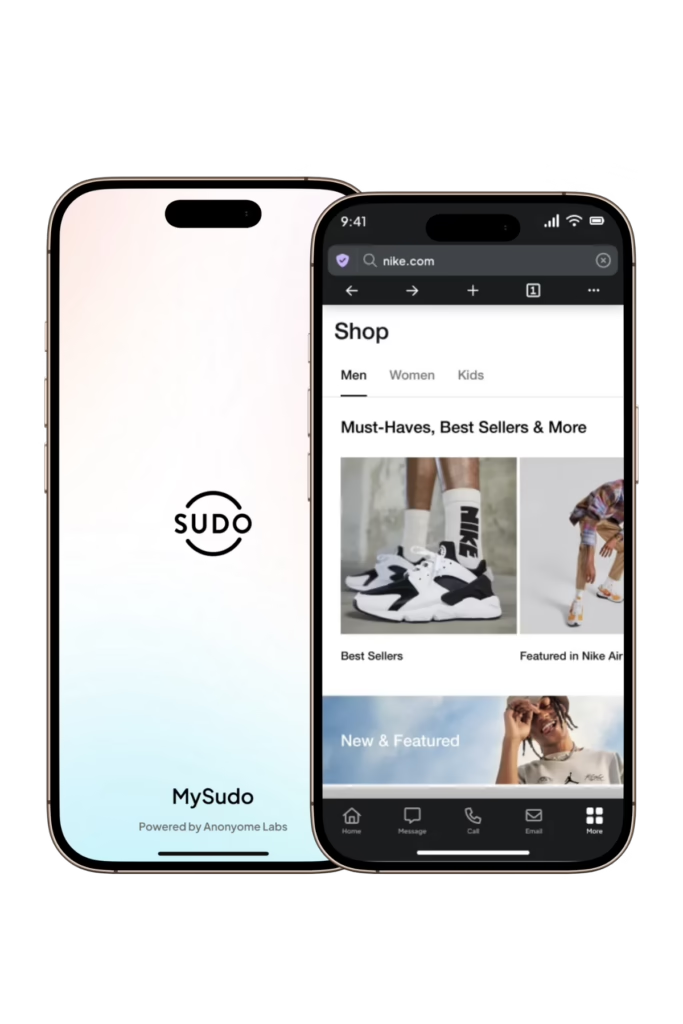
Shop without trackers building a profile of what you browse, and without ads chasing you across other sites afterward. It keeps your shopping activity contained to that Sudo, away from your everyday browsing.
Research
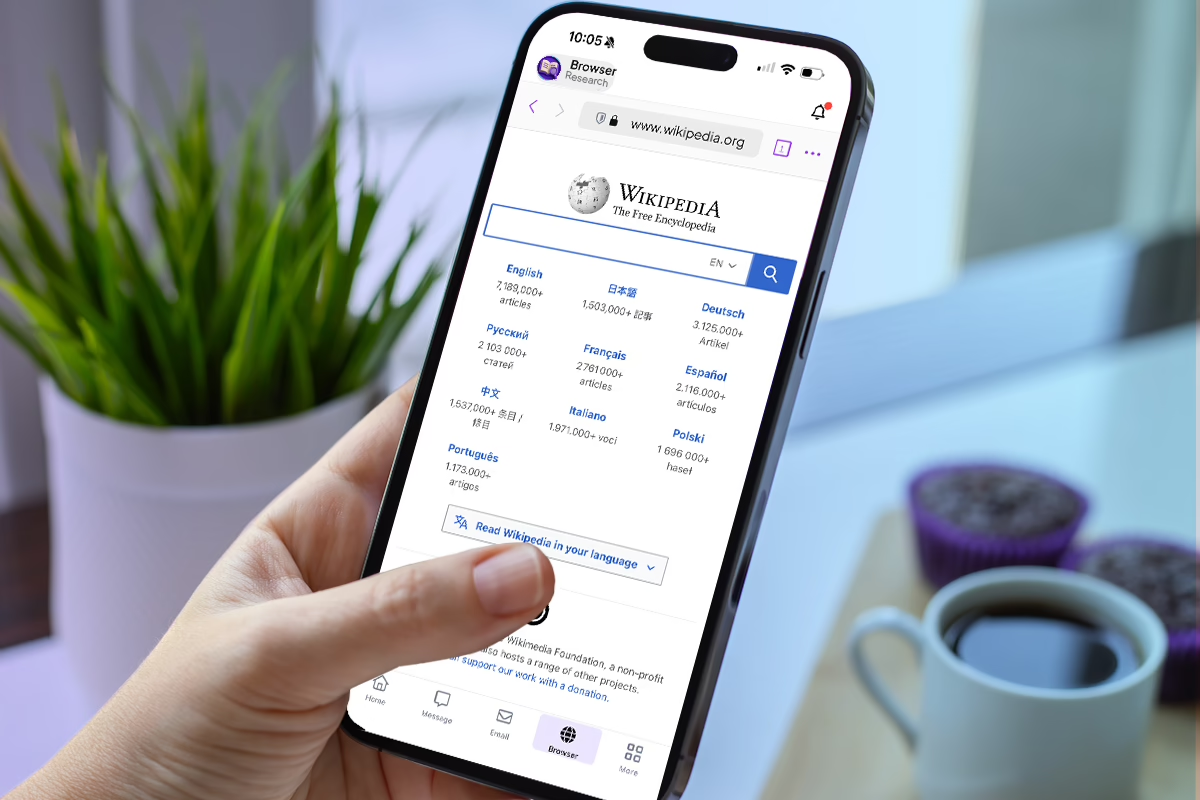
Dig into any topic without ads or trackers shaping what shows up next in your results elsewhere. Since each Sudo keeps its own browsing history, research stays separate from your everyday browsing.
News
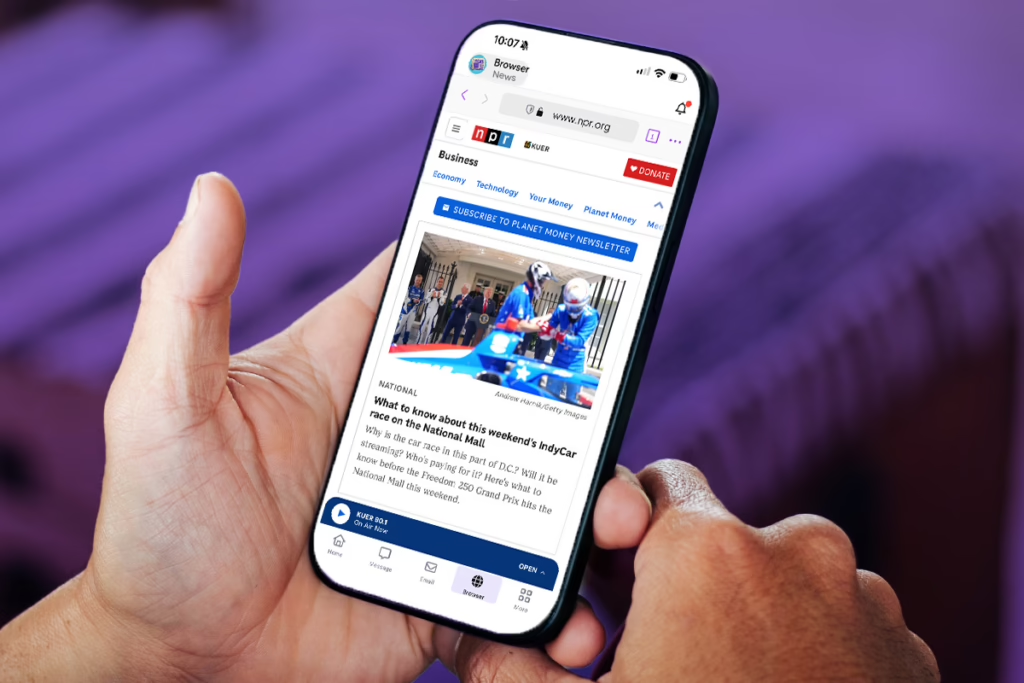
Read across a range of sources without trackers linking your reading habits back to a single profile. It keeps your news browsing separate from shopping, work, or anything else you use MySudo for.
Selling
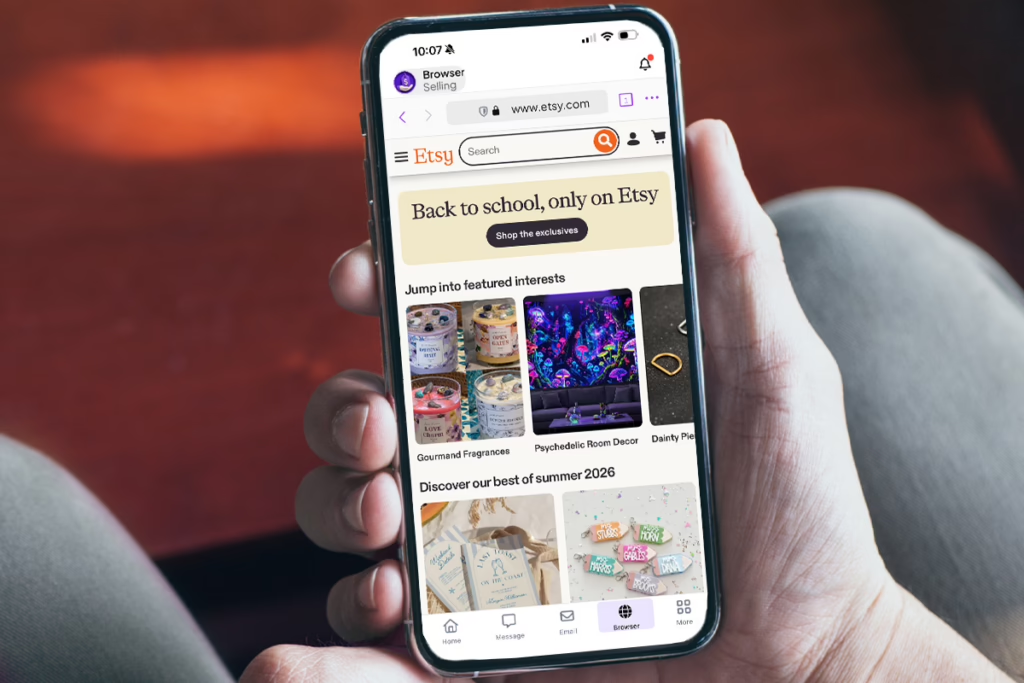
Browse marketplaces and research listings without ads or trackers picking up on what you’re selling or searching for. Keeping this activity under its own Sudo also keeps it separate from your personal browsing history.
Can I use different bookmarks and search engines for each Sudo?
Yes, each Sudo can have its own bookmarks so your saved sites stay organized around that Sudo’s purpose. You can also set custom search engine preferences per Sudo to keep your browsing setup consistent with how you use it.
Does the secure browser block ads and trackers?
Yes, built-in tracker blocking removes most ads and stops tracking scripts and analytics tools from following you across sites. You can also whitelist specific sites if you want to allow ads or trackers there.
Does the secure browser hide my IP address?
No, the secure browser keeps your browsing activity contained to each Sudo, but it doesn’t hide your IP address from websites or your internet provider. For that level of protection, you’d need to pair it with a VPN.