















MySudo®

Powered by Anonyome Labs™

MySudo VPN:

Encrypt your internet activity

Use the VPN that’s truly private

For mobile

For desktop

Stay safe and private on any network. Shield your location and activity - no matter where you are.

No data collection

Choice of 76 servers worldwide

Unlimited devices

A VPN is a virtual private network. It creates an encrypted tunnel for your data, hides your IP address, keeps you safe on public Wi-Fi, and lets you access content outside your region.

Privacy by design

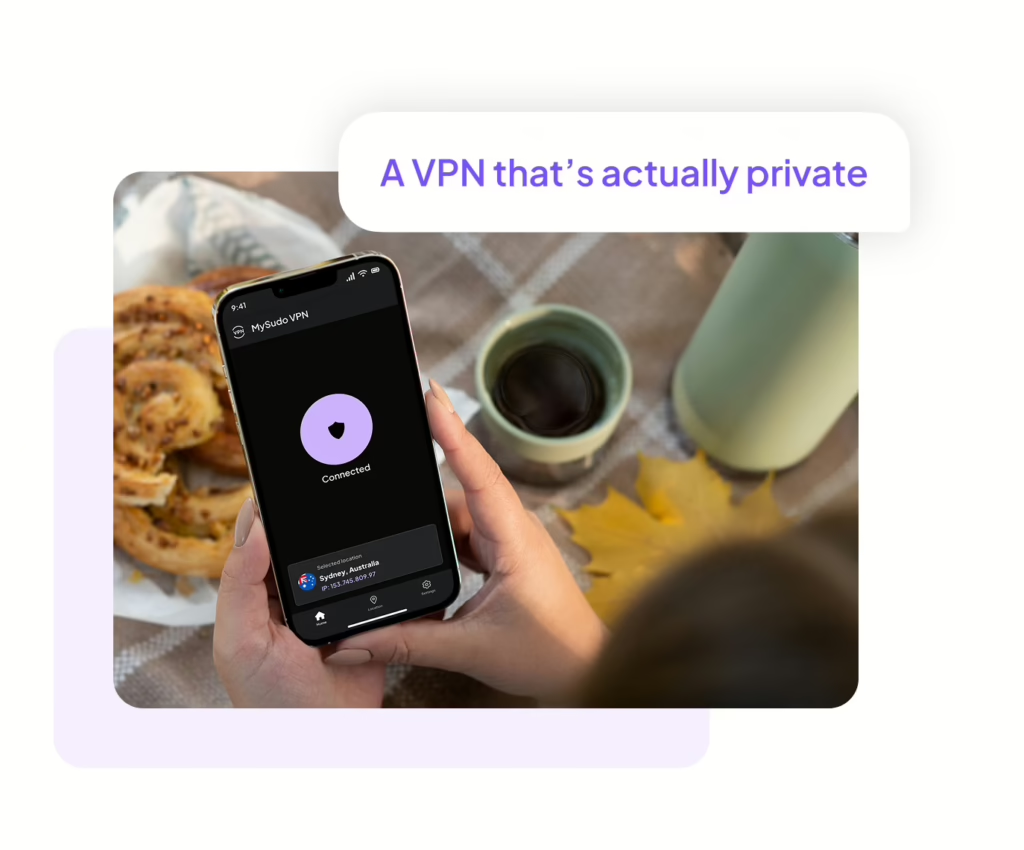
Choose the VPN that's actually private

No data collected, tracked, or shared

Truly private. MySudo® VPN collects the minimum data necessary to deliver a fast and reliable VPN service.

The only data we collect is:

  • Registration ID: a new, random identifier for you when you install the app
  • Account status: used to determine whether your account is active

No identifying info to sign up or log in

Encryption key. MySudo VPN will never ask for a username, password, or phone number to sign up or login. Instead, your account is protected by a key that never leaves your device.

No logs

No tracking. MySudo VPN doesn’t keep or sell usage logs. No one can see what you do while using MySudo VPN. We won’t track your IP address, browsing history, bandwidth usage, session information, network traffic, or connection timestamps.

More security and privacy from MySudo VPN

AES-256 encryption

Military-grade security. MySudo VPN uses the same encryption standard governments use to protect top-level information. No-one can read your data, not even us.

Servers worldwide

Great choice. MySudo VPN offers 76 secure servers across 41 countries. Get privacy on the go at Wi-Fi hotspots and sites without a secure protocol.

Multiple protocols

Flexible service. MySudo VPN mobile supports IPsec and IPsec (IKEv2) for iOS, and OpenVPN UDP, TCP, IPsec (IKEv2) and Wireguard for Android. MySudo VPN Desktop supports Wireguard and IKEv2.

Cross-platform

Seamless experience. MySudo VPN for mobile and desktop sync across your devices.

Unlimited devices

No limits. With reasonable usage, you can run MySudo VPN on any number of devices.

No ads

Ad promise. MySudo VPN will never interrupt your service with ads.

Now available!

MySudo VPN desktop edition

Maximize your privacy with the MySudo Suite

Protect beyond your internet connection and secure your identity and passwords

Digital identities that empower you to call, text, email, browse, and pay privately.

Fast, encrypted internet connection anytime anywhere.

Securely create, store, and autofill your account information.

Privacy built by a privacy company

PCI-DSS Certified

SOC 2 Compliant

Private from day 0

Your privacy starts at setup, not later.  Your encryption keys are generated the moment you open any product in the Suite, and from there you decide what you share with us. We only ask for personal details if something genuinely requires them, and never as the price of using our apps. 

Encryption by default

MySudo protects your communication with end-to-end encryption with other MySudo users and immediate encryption when interacting with non MySudo users. Your app data is encrypted, no one, not even us can read your communications.

Never for sale

The privacy and security of your data is our first priority, and is in every product decision we make. We cannot and do not sell any personal information or activity. Our business is providing your privacy tools, not selling your personal information.

Testimonials

Hear from our happy users

We're here to help

Head to our Support hub or reach out on X @MySudoApp or email at support@mysudo.com

In which countries can I download and use MySudo VPN?

MySudo VPN for iOS:
MySudo is currently available for download in:

  • Australia
  • Canada
  • New Zealand
  • Singapore
  • South Korea
  • United Kingdom
  • United States

MySudo VPN for Android:
MySudo VPN is currently available for download in:

  • Australia
  • Canada
  • New Zealand
  • Singapore
  • United Kingdom
  • United States

Yes! MySudo VPN is the perfect companion to MySudo all-in-one privacy app.

MySudo VPN is specifically designed to work with MySudo, ensuring a smooth and secure online experience.  Similar to MySudo, no personal identifiable information is required for sign-up, prioritizing your anonymity and data protection.

If you need support, contact us at vpnsupport@mysudo.com or directly in the app.

When you download MySudo VPN on your mobile device, it does most of the work for you. You only need to open the app and connect. But it is useful to know how a VPN works so you can better understand the product.

Here’s what’s going on behind the scenes:

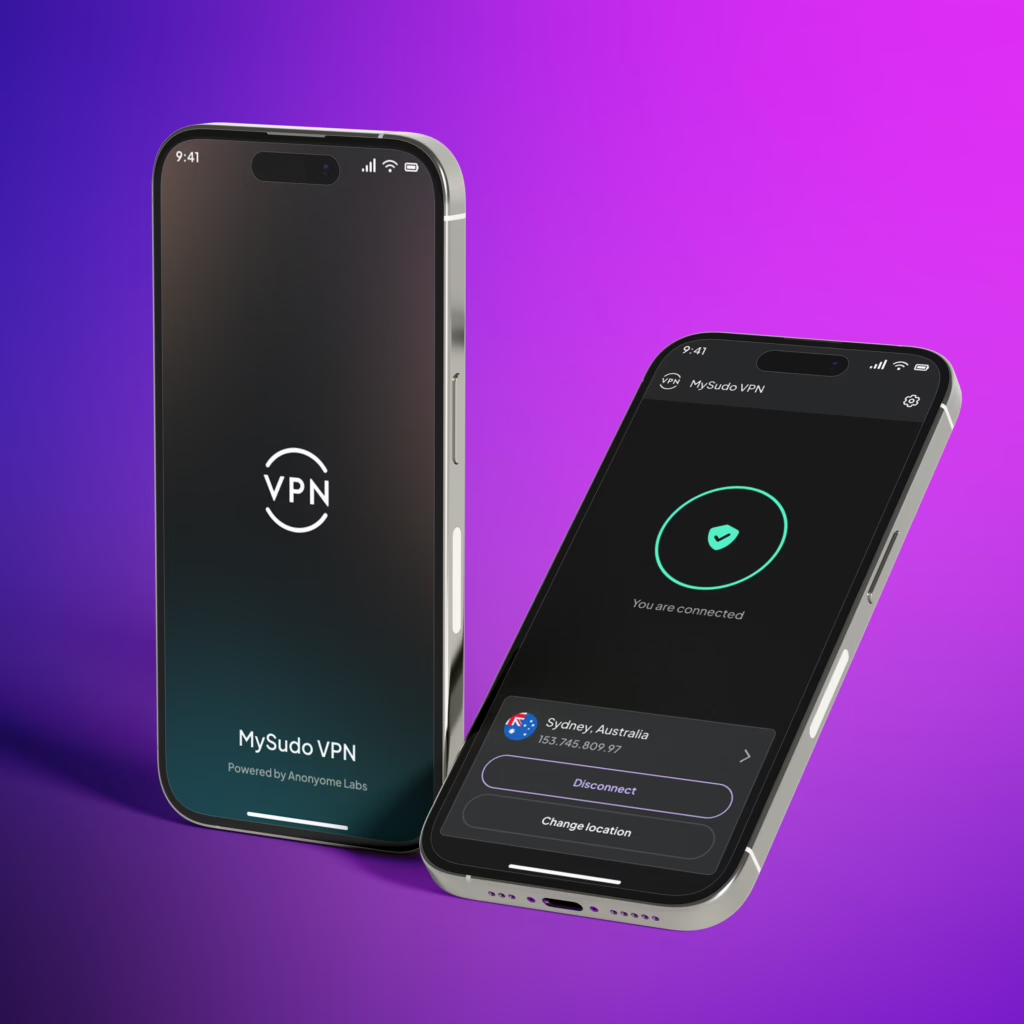
  1. When you connect, MySudo VPN will authenticate and establish an encrypted tunnel between your device and the VPN service.

  2. MySudo VPN encrypts the internet traffic from your device before it sends it to the VPN service. The VPN service then decrypts the traffic and sends it on to the originally requested destination (e.g. a website).

  3. The VPN service then encrypts data returning to your device and MySudo VPN decrypts it. 
This level of encryption is in addition to the encryption that the online service you are accessing may use. For example, browsing to a website that uses https URLs results in two levels of encryption: VPN level and application level.

Get MySudo VPN

For mobile:

For desktop: